These are real SharePoint pages, built by Atrium Education in one step on a Microsoft 365 tenant, with the photos and starter content that come in the package. Scroll inside any page to see all of it.
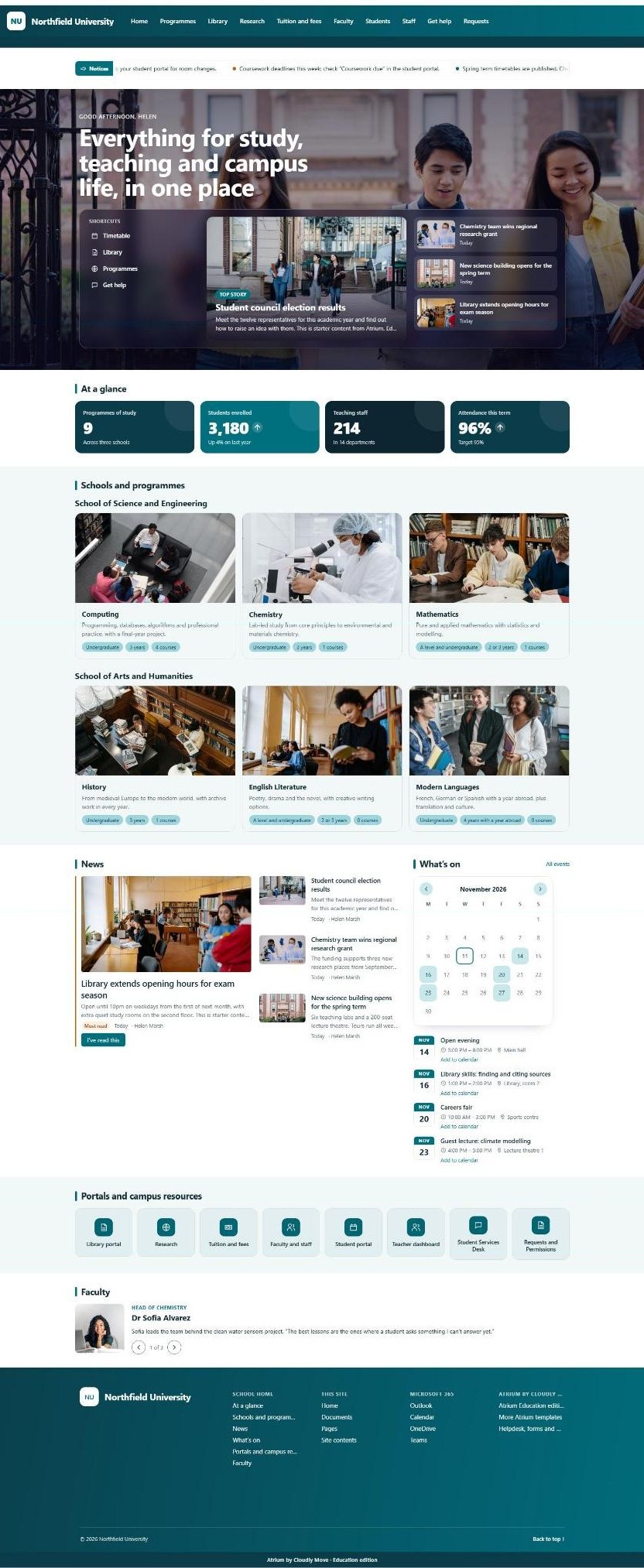
Notices, a welcome with shortcuts and the top story, key figures, every school and programme with a photo, news, the calendar, portals and a staff spotlight.
Scroll inside the picture to see the whole page.
youruniversity.sharepoint.com
02 · Universities edition
Programmes and courses
The academic structure
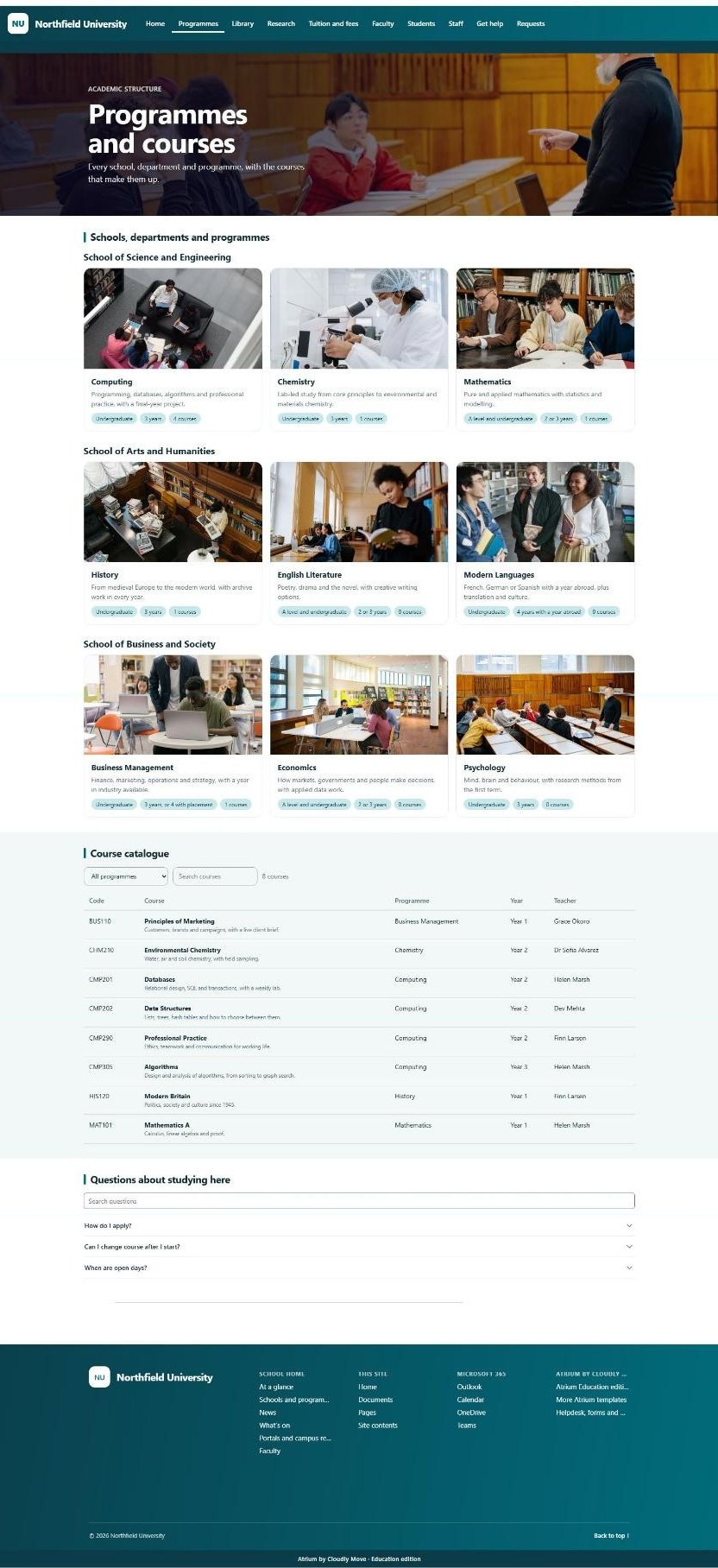
Each school with its programmes, then a course catalogue anyone can search or filter by programme, and the questions applicants ask.
Scroll inside the picture to see the whole page.
youruniversity.sharepoint.com
03 · Universities edition
Library
The library portal
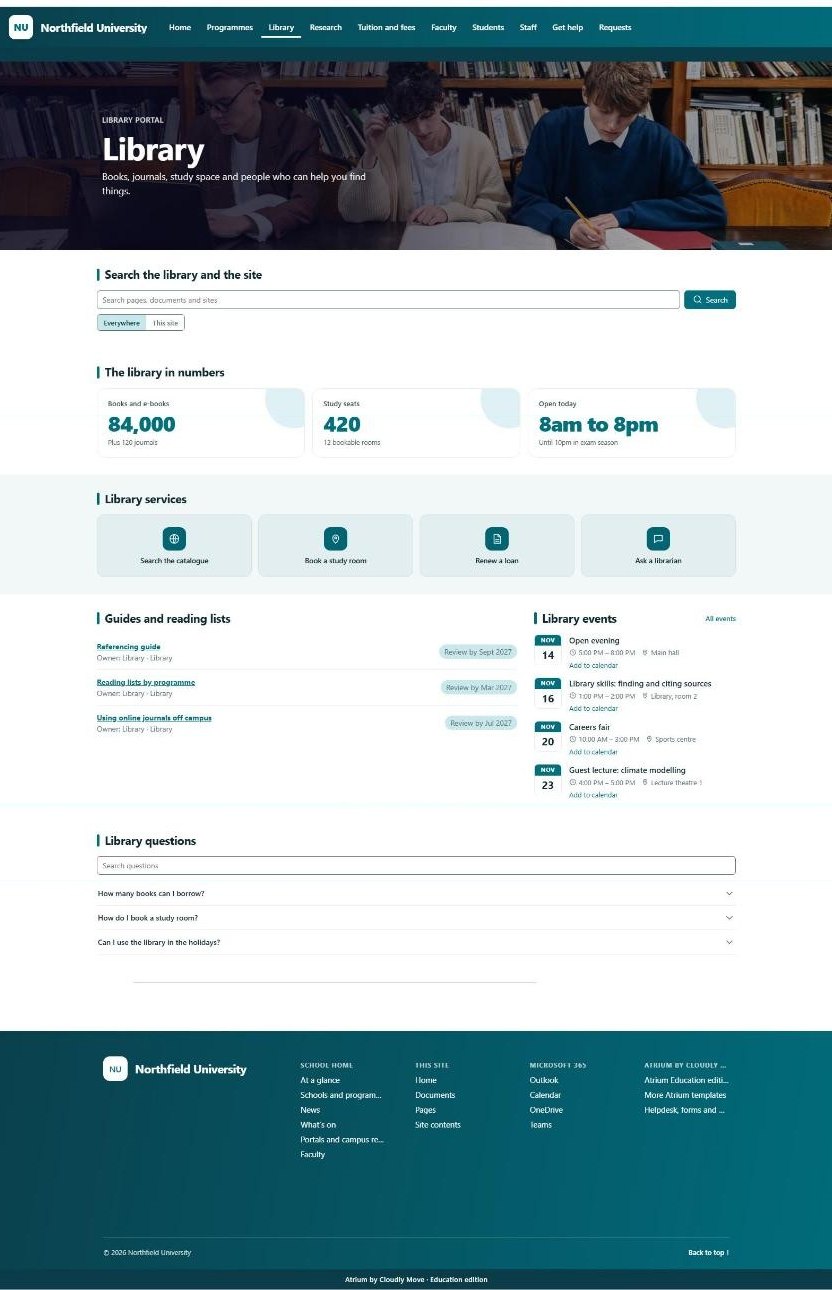
Search, opening hours and study seats, library services, guides and reading lists with review dates, events and questions.
Scroll inside the picture to see the whole page.
youruniversity.sharepoint.com
04 · Universities edition
Tuition and fees
Money matters
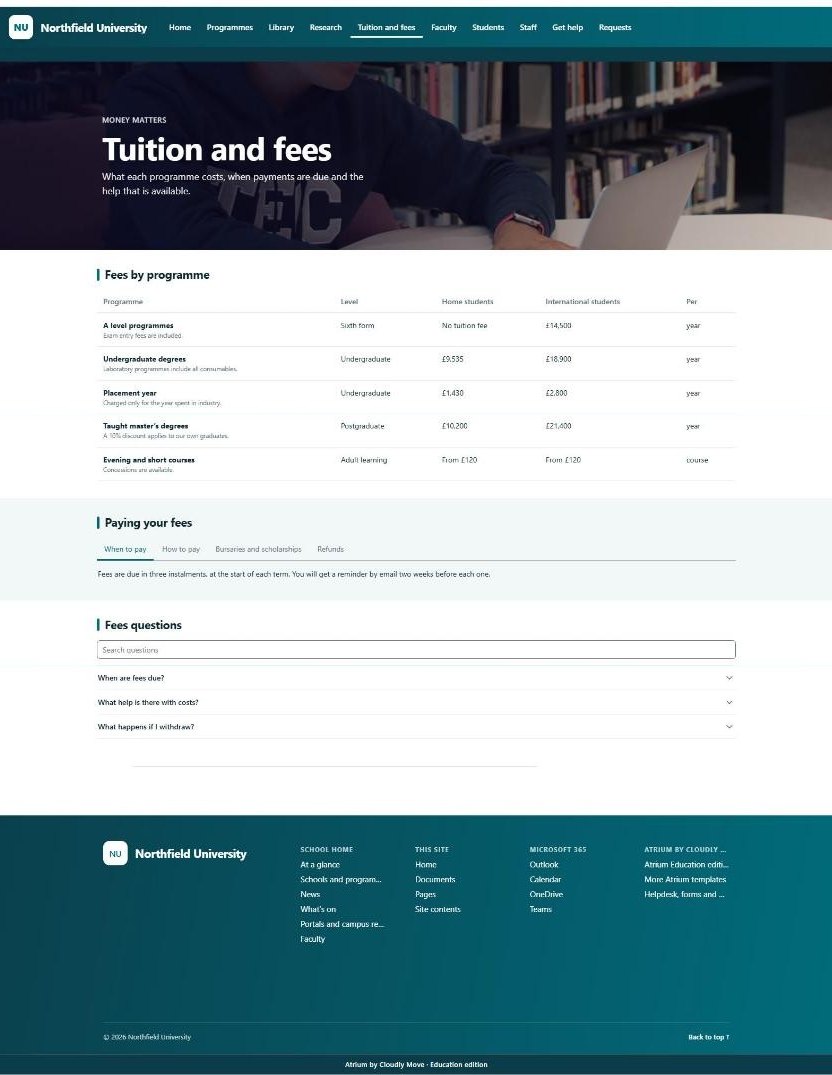
Fees by programme for home and international students, how and when to pay, bursaries and refunds, and fees questions.
Scroll inside the picture to see the whole page.
youruniversity.sharepoint.com
05 · Universities edition
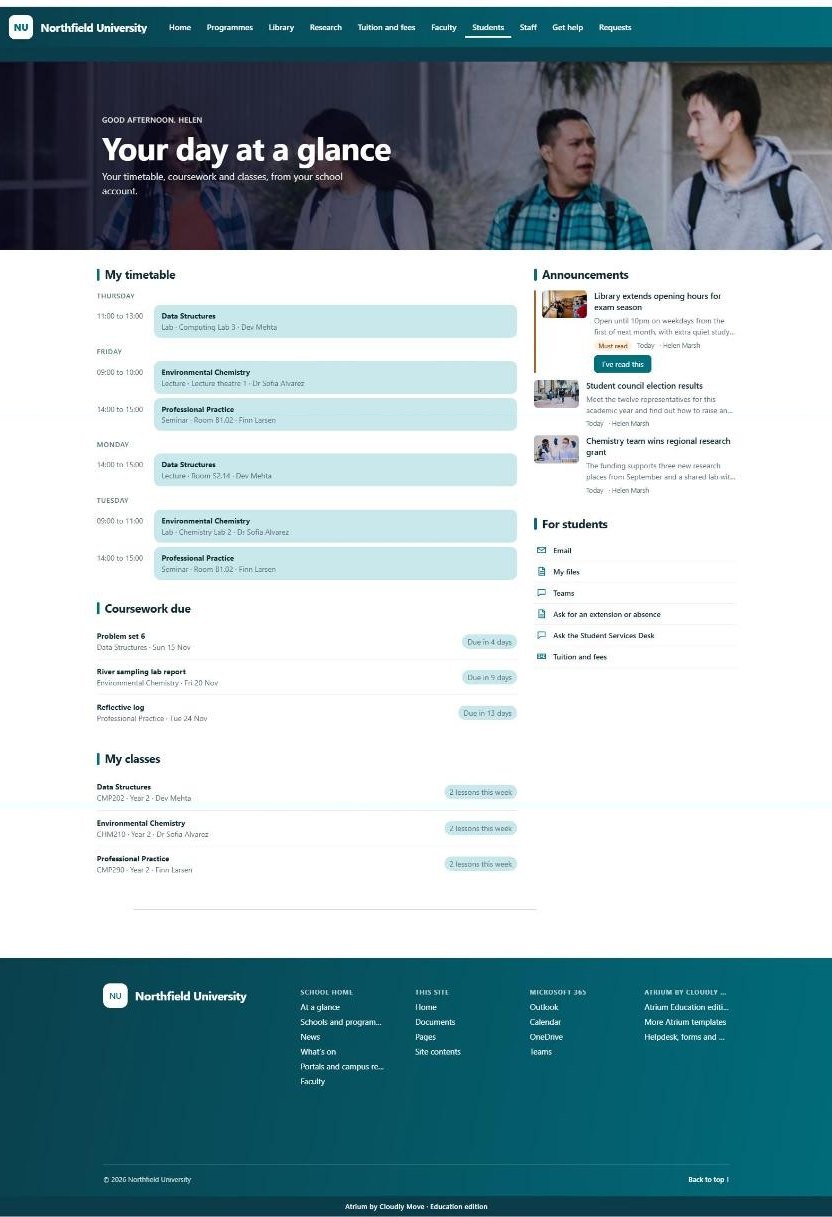
Student portal
Each student’s own day
Students sign in with their Microsoft 365 account and see their own timetable, coursework due and classes, with announcements and shortcuts.
Scroll inside the picture to see the whole page.
youruniversity.sharepoint.com
06 · Universities edition
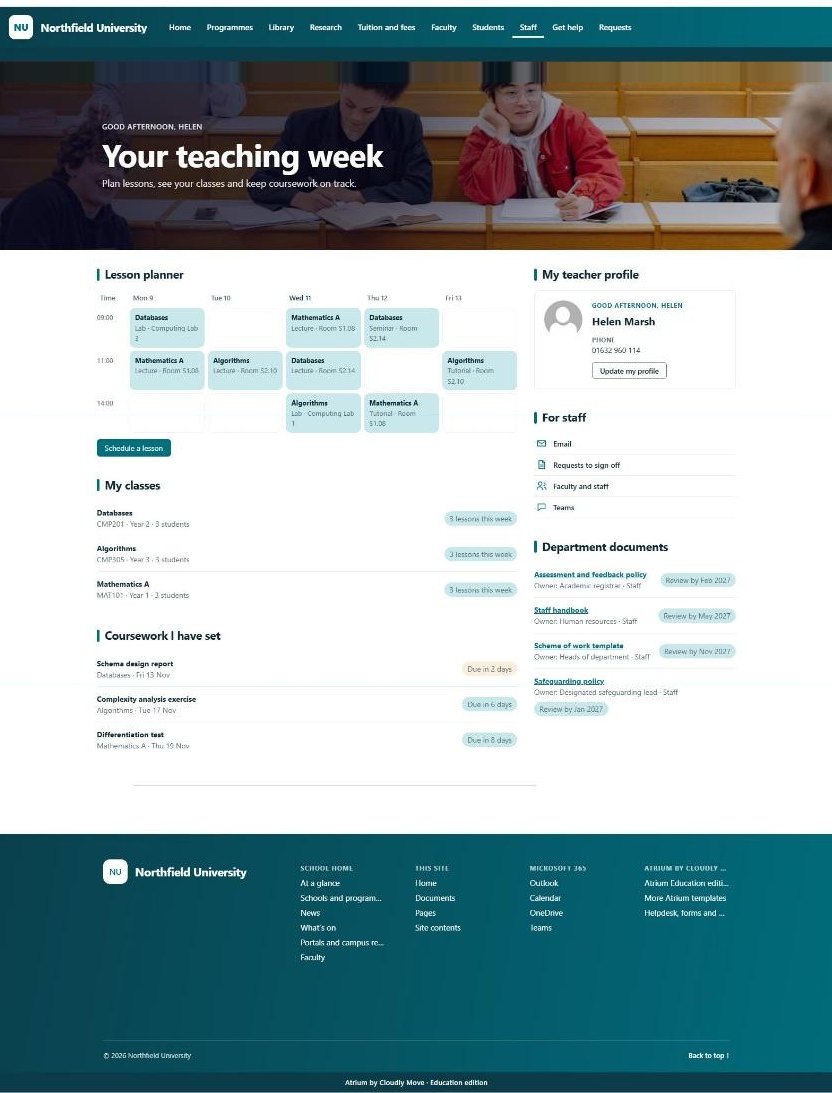
Teacher dashboard
Each teacher’s own week
A lesson planner to schedule lessons, the teacher’s classes, coursework they have set, their profile and department documents.
Scroll inside the picture to see the whole page.
yourschool.sharepoint.com
07 · Schools edition
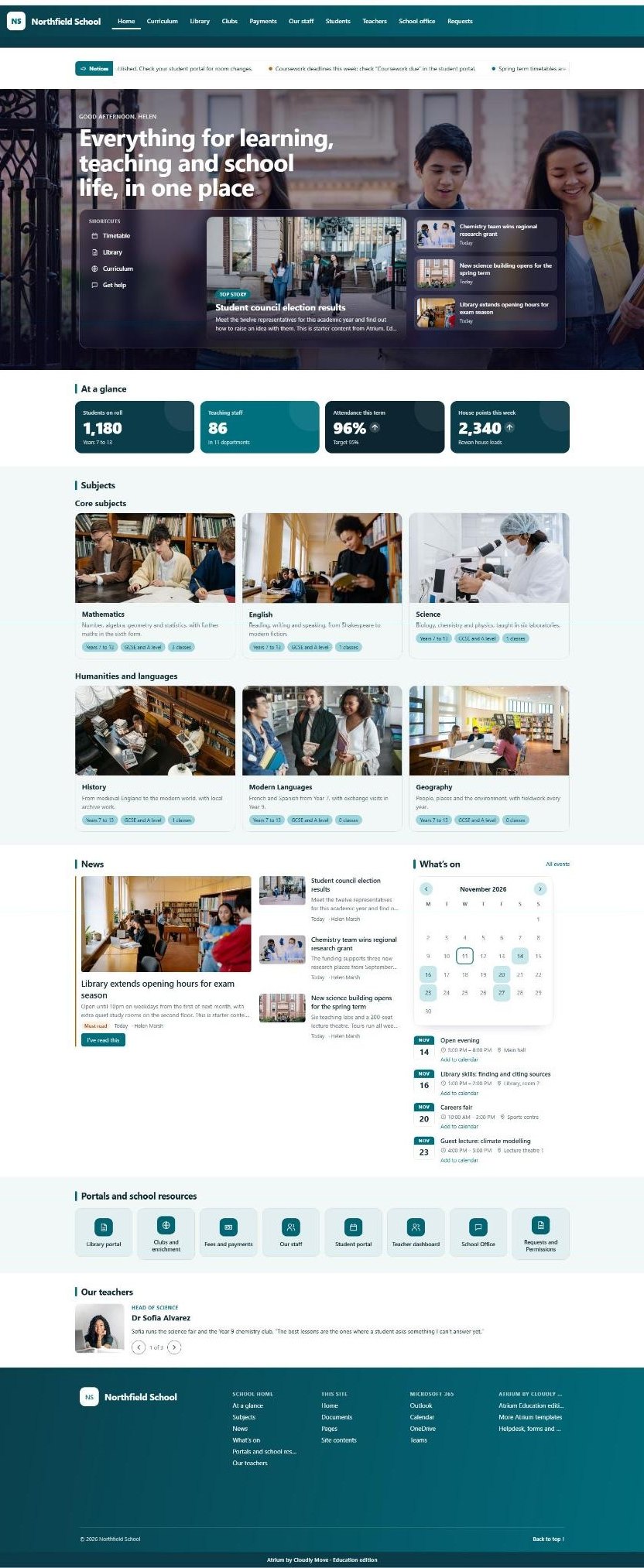
School home page
The schools edition
The same front door in school words: students on roll, house points, subjects, news, the calendar and our teachers.
Scroll inside the picture to see the whole page.
yourschool.sharepoint.com
08 · Schools edition
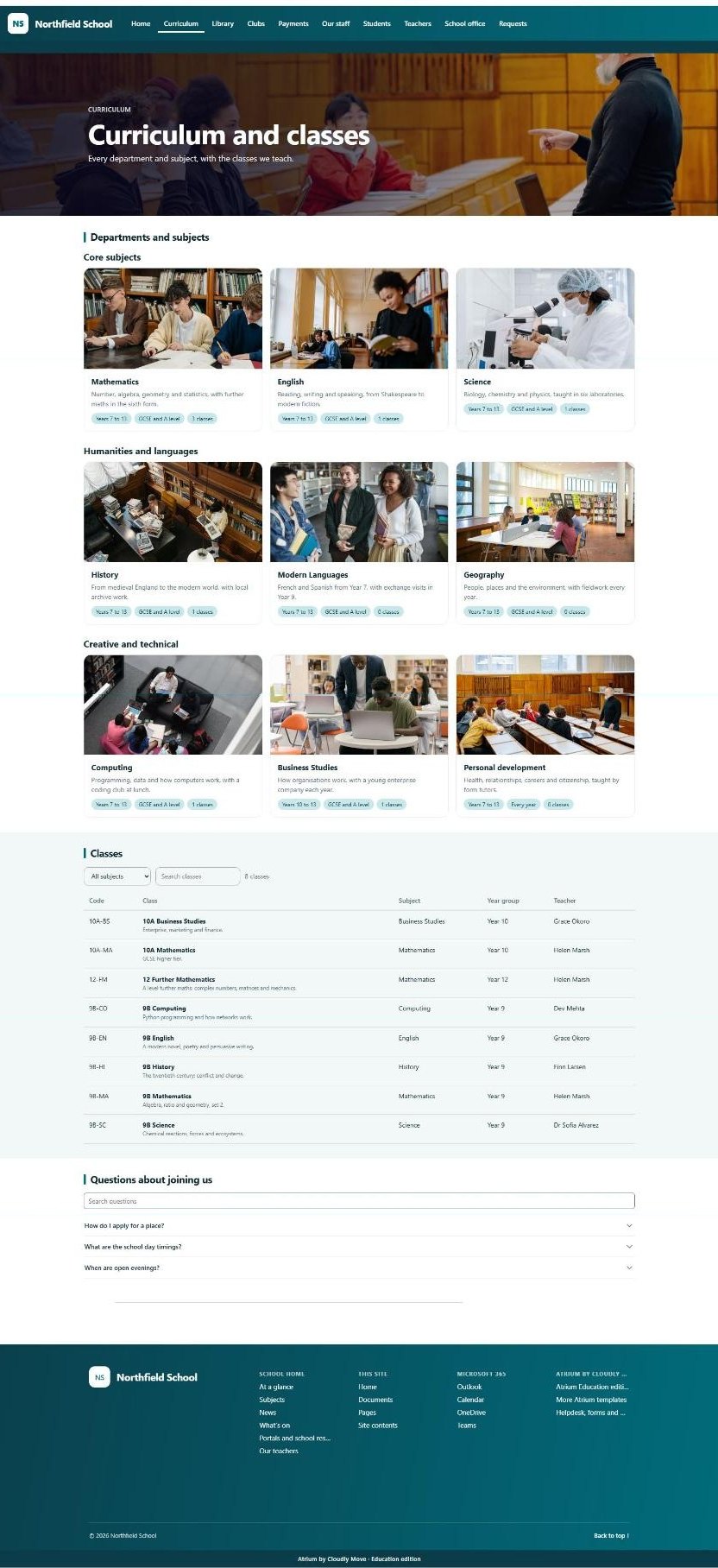
Curriculum and classes
Subjects by department
Core, humanities and creative subjects with year groups and GCSE or A level, then every class with its teacher.
Scroll inside the picture to see the whole page.
Also in the package, not pictured here: research or clubs, faculty or staff, a help desk, three request forms and a department page. The schools edition has every page the universities edition has, in school words. People and institutions in the screenshots are fictional.
All of this, at an astonishingly low price
One payment per institution, no per-user fees, for verified schools, colleges and universities. Tell us who you are and we will email you the price.
Our Microsoft 365 consultants can brand, install and launch Atrium on your tenant in days. Or buy the packages and do it yourself in an afternoon: templates from £1,200, web parts from £95, plus VAT.